CS2
How to Install CS2 Plugins (CounterStrikeSharp)
Install CounterStrikeSharp plugins on your CS2 server: where the files go, how to configure them, css_plugins commands and fixes when a plugin won't load.
Series · part 3 of 4Your first CS2 server
In this guide 12 sections
CS2 plugins for CounterStrikeSharp are folders with a .dll inside. Installing one means copying its folder into the server's plugins folder; CounterStrikeSharp loads it by itself, even while the server is running. This guide shows where to put each file, how to configure a plugin, the console commands to manage plugins, and what to do when one doesn't load.
Quick steps#
- Download the plugin for CounterStrikeSharp (CS#).
- Copy its folder into
game/csgo/addons/counterstrikesharp/plugins/. - If the archive has other folders (
configs,gamedata,shared), copy them intoaddons/counterstrikesharp/too. - Type
css_plugins listin the server console: the plugin must be there. - Change its settings in
addons/counterstrikesharp/configs/plugins/PluginName/PluginName.json.
The full instructions for each step are below.
What you need#
Metamod:Source and CounterStrikeSharp installed and running (meta list shows CounterStrikeSharp). If not, do that first:
Where to find CS2 plugins#
- The XCSTRIKE plugin library has CS2 plugins with their files ready to copy, checked before they're published, and with the CS2 games they work on:
- GitHub: most CS# plugins are open source. Download from the Releases page of the plugin, not the green Code button: Releases have the built
.dll, the code button only has the source.
Plugins run with full access to your server. Install them only from sources you trust. And never install plugins that give players skins, knives, gloves or ranks they don't own (!ws, !knife, !gloves): Valve bans the server's GSLT for that, permanently.
Install a plugin#
1Look inside the archive
Open the plugin's
.zip. You'll usually find one of these layouts:- A single folder named after the plugin, with the
.dllinside, for exampleMyPlugin/MyPlugin.dll. - An
addons/counterstrikesharp/structure, with the plugin folder underplugins/and maybeconfigs/,gamedata/orshared/next to it.
- A single folder named after the plugin, with the
2Copy it to the server
For a single folder, copy it here:
game/csgo/addons/counterstrikesharp/plugins/MyPlugin/MyPlugin.dllFor a full
addonsstructure, copy theaddonsfolder intogame/csgoand let it merge.The folder name must be exactly the same as the
.dllname (MyPlugin/MyPlugin.dll). Keep every other file that came with it (.deps.json, other.dlls) in the same folder.3Check it loaded
CounterStrikeSharp loads new plugins by itself. Type in the server console:
bashcss_plugins listThe plugin should be in the list with its version. If it isn't, load it by hand:
bashcss_plugins load MyPluginOr restart the server.
Some plugins need another plugin or a shared library to be installed first (often listed as Requirements or Dependencies), or a database. Install those first, or the plugin will fail to load.
Configure a plugin#
Most plugins create their settings file the first time they load, here:
game/csgo/addons/counterstrikesharp/configs/plugins/MyPlugin/MyPlugin.json1Let it create the file
Install the plugin and let it load once. Then the
.jsonfile appears.2Edit it
Open it in a text editor and change the values. It's JSON, so keep the quotes, commas and brackets exactly as they are. A missing comma breaks the whole file.
configs/plugins/MyPlugin/MyPlugin.jsonjson{ "Enabled": true, "Prefix": "[MyServer]", "MinPlayers": 2, "ConfigVersion": 1 }3Apply the changes
Reload the plugin:
bashcss_plugins reload MyPluginSome plugins also have their own reload command, listed on their page.
If a plugin stops loading after you edited its config, the JSON is probably broken. Paste it into any online JSON validator: it shows the line with the missing comma or quote.
Manage plugins from the console#
| Command | What it does |
|---|---|
css_plugins list | Lists plugins with their number, state and version. Failed plugins show why |
css_plugins load MyPlugin | Loads a plugin that isn't running |
css_plugins unload MyPlugin | Stops a plugin (also works with its number: #3) |
css_plugins reload MyPlugin | Stops and loads it again, for example after a config change |
meta list | Shows Metamod's plugins, to check CounterStrikeSharp itself is loaded |
Run them in the server console, or send them with an RCON tool.
Turn a plugin off without deleting it#
Move its folder into plugins/disabled/. CounterStrikeSharp doesn't load anything from there. Move it back to turn it on.
game/csgo/addons/counterstrikesharp/plugins/disabled/MyPlugin/Update a plugin#
Download the new version and replace the files in its folder. With hot reload on (the default), CounterStrikeSharp reloads it as soon as the new .dll is in place. Your .json config stays, but compare it with the plugin's notes: new versions sometimes add settings.
Make yourself admin#
Admin commands from plugins check your permissions in:
game/csgo/addons/counterstrikesharp/configs/admins.jsonA minimal entry, with your SteamID and full rights:
{
  "YourName": {
    "identity": "76561198000000000",
    "flags": ["@css/root"]
  }
}
identity takes your SteamID64 (or the STEAM_0:1:… form). Find it from your profile link:
@css/root gives every permission. Restart the server after editing the file.
Write or build your own plugin#
CS# plugins are written in C#. If you have a plugin's source code but no .dll, you can build it online without installing anything:
Troubleshooting#
The plugin isn't in css_plugins list#
- The folder and the
.dlldon't have the same name, or the.dllis one folder too deep (plugins/MyPlugin/MyPlugin/MyPlugin.dll). Move it up. - You downloaded the source code instead of a release. Look for a
.dll; if there's none, get the file from the Releases page. - The plugin is in
plugins/disabled/.
css_plugins list shows the plugin as failed#
The line shows why. The usual reasons:
- A missing dependency: another plugin or shared library it needs isn't installed. Check the plugin's requirements.
- A broken config: fix the
.json(see the tip above), or delete it so the plugin creates a new one. - Made for another CounterStrikeSharp version: update CounterStrikeSharp, or the plugin.
All plugins stopped working after a CS2 update#
That's not the plugins: Metamod or CounterStrikeSharp need an update. See After CS2 updates.
A command says I have no access#
You're not in admins.json, or your entry doesn't have the right flag. Check your SteamID, add @css/root for full rights, and restart the server.
css_plugins is an unknown command#
CounterStrikeSharp itself isn't loaded. Type meta list; if it's not there, go back to installing CounterStrikeSharp.
FAQ#
Where do CS2 plugins go?#
In game/csgo/addons/counterstrikesharp/plugins/, each in its own folder with the same name as its .dll.
Do I have to restart the server after installing a plugin?#
Usually not. CounterStrikeSharp loads new plugins and reloads updated ones by itself. Restart if the plugin needs it (for example after you edit admins.json or install a dependency).
Can I use SourceMod or AMX Mod X plugins on CS2?#
No. CS2 plugins must be made for CounterStrikeSharp (C#). Many popular SourceMod plugins have CS# versions; search the plugin library.
Which plugins should I avoid?#
Skin, knife and glove changers, fake ranks and anything that changes what players own. Valve bans the server's GSLT for those.
Next steps#
- Find CS2 plugins in the plugin library
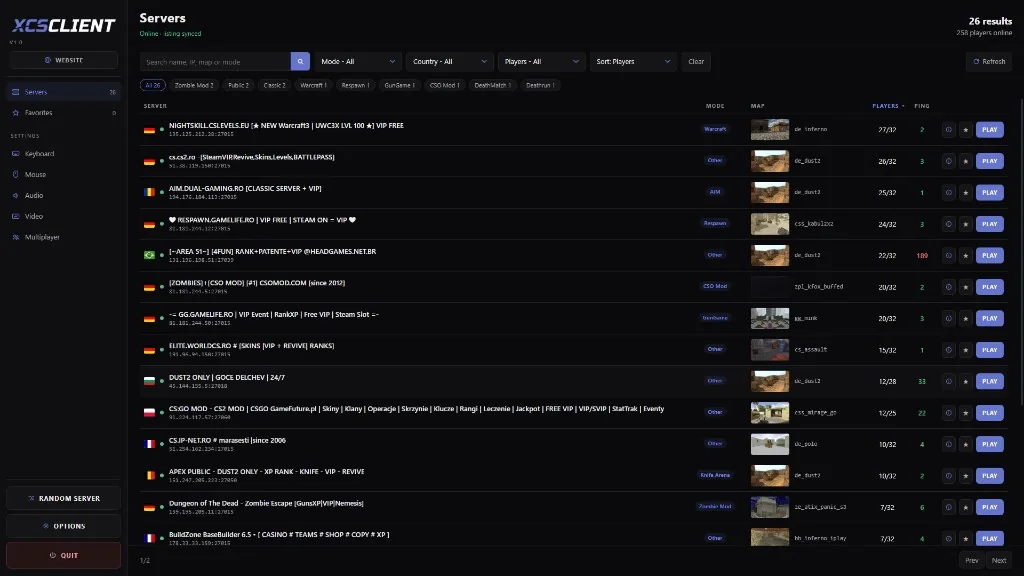
- Put your server on XCSTRIKE so players can find it: