CS2
How to Add Admins on a CS2 Server (CounterStrikeSharp)
Add admins on your CS2 server with CounterStrikeSharp: admins.json, permission flags, groups and immunity, plus CS2-SimpleAdmin for kick, ban and an admin menu.
Series · part 4 of 4Your first CS2 server
In this guide 9 sections
CS2 has no admin system of its own. CounterStrikeSharp provides the permissions: you list admins in admins.json and give them flags like @css/kick or @css/ban. The actual commands (!kick, !ban, the admin menu) come from an admin plugin; the most used one is CS2-SimpleAdmin. This guide sets up both.
Quick steps#
- Open
game/csgo/addons/counterstrikesharp/configs/admins.json. - Add yourself with your SteamID64 and the flag
@css/root. - Restart the server (or run
css_admins_reload). - Install CS2-SimpleAdmin and the three plugins it needs.
- In game, type
!adminin chat to open the admin menu.
The full instructions for each step are below.
What you need#
A CS2 server with Metamod:Source and CounterStrikeSharp running (meta list shows CounterStrikeSharp):
Make yourself admin#
1Find your SteamID64
Your SteamID64 is the 17-digit number in your Steam profile link (it starts with
SteamID FinderEvery SteamID format from a profile link.Open7656119). If your profile has a custom link, get it here:2Edit admins.json
Open this file (create it if it doesn't exist):
game/csgo/addons/counterstrikesharp/configs/admins.jsonPut this in it, with your name and SteamID64:
configs/admins.jsonjson{ "Owner": { "identity": "76561198000000001", "flags": ["@css/root"] } }@css/rootgives every permission and ignores immunity. Keep it for the owner.3Reload the admins
Restart the server, or type in the server console:
bashcss_admins_reload
Every entry is in curly brackets, every text is in double quotes, and entries are separated by commas, with no comma after the last one. One missing or extra comma and no admin works. If something breaks, paste the file into an online JSON validator.
Add more admins#
Each admin is one entry. Separate them with commas:
{
  "Owner": {
    "identity": "76561198000000001",
    "flags": ["@css/root"]
  },
  "Andrei": {
    "identity": "76561198000000002",
    "flags": ["@css/generic", "@css/kick", "@css/slay", "@css/chat"],
    "immunity": 50
  },
  "Maria": {
    "identity": "STEAM_0:1:12345678",
    "flags": ["@css/generic", "@css/kick", "@css/ban", "@css/unban", "@css/changemap"],
    "immunity": 70
  }
}
identity takes a SteamID64 (7656119…) or the classic form (STEAM_0:1:…); CounterStrikeSharp converts it.
The permission flags#
| Flag | What it allows |
|---|---|
@css/generic | Basic admin. Most admin commands need it, so give it to every admin |
@css/kick | Kick players |
@css/ban | Ban players |
@css/unban | Remove bans |
@css/slay | Slay, slap and similar |
@css/changemap | Change the map |
@css/chat | Mute and gag players |
@css/vote | Start votes |
@css/cvar | Change server settings |
@css/config | Run config files |
@css/password | Set the server password |
@css/rcon | Run any server command |
@css/cheats | Turn on sv_cheats and use cheat commands |
@css/reservation | Reserved slot |
@css/vip | Marks VIPs for VIP plugins |
@css/root | Everything, and ignores immunity |
Plugins can add their own flags, written like @pluginname/something. They're listed on the plugin's page.
Immunity#
immunity is a number. An admin can't use commands like kick or ban on another admin with higher immunity. Give the owner and head admins higher numbers than moderators (for example 100, 70, 50).
Use groups#
With more than a few admins, put the flags in groups and give people a group instead. Groups go in:
game/csgo/addons/counterstrikesharp/configs/admin_groups.json{
"#moderator": {
"flags": ["@css/generic", "@css/kick", "@css/slay", "@css/chat", "@css/vote"],
"immunity": 50
},
"#admin": {
"flags": ["@css/generic", "@css/kick", "@css/ban", "@css/unban", "@css/slay", "@css/chat", "@css/vote", "@css/changemap"],
"immunity": 70
}
}Group names must start with #, or CounterStrikeSharp ignores them. Then in admins.json, give admins a group with groups:
{
  "Andrei": {
    "identity": "76561198000000002",
    "groups": ["#moderator"]
  }
}
An admin can be in several groups and gets the flags of all of them, plus any flags you add to them directly.
Install CS2-SimpleAdmin#
CounterStrikeSharp only defines who is admin. To get !kick, !ban, !map and an admin menu, install an admin plugin. CS2-SimpleAdmin is the most used.
1Install what it needs
CS2-SimpleAdmin needs three other plugins. Install them first, each in its own folder under
addons/counterstrikesharp/plugins/:Plugin Why AnyBaseLibCS2 Needed by PlayerSettings PlayerSettings Needed by MenuManagerCS2 MenuManagerCS2 Draws the admin menu 2Install CS2-SimpleAdmin
Download it from the CS2-SimpleAdmin releases and copy it into
pluginslike any CS# plugin. Not sure how? See installing CS2 plugins.3Choose where bans are stored
On its first start it creates its settings file:
addons/counterstrikesharp/configs/plugins/CS2-SimpleAdmin/CS2-SimpleAdmin.jsonBy default it uses SQLite: bans and admins are saved in a file on the server, with nothing to set up. For several servers that share bans, switch to MySQL in the
DatabaseConfigpart:CS2-SimpleAdmin.jsonjson"DatabaseConfig": { "DatabaseType": "MySQL", "DatabaseHost": "db.example.com", "DatabasePort": 3306, "DatabaseUser": "cs2admin", "DatabasePassword": "your-db-password", "DatabaseName": "cs2admin" }4Restart and check
Restart the server and type
css_plugins list. CS2-SimpleAdmin and the three plugins it needs should all be loaded. Watch the console for database errors on start.
CS2-SimpleAdmin commands#
In chat, start commands with ! (for example !kick). In the console, use the full css_ name. A #userid is the number shown by status or css_players.
| Command | What it does | Needs |
|---|---|---|
css_admin | Opens the admin menu | @css/generic |
css_adminhelp | Lists the commands you can use | @css/generic |
css_players | Lists players with their #userid | @css/generic |
css_kick <#userid or name> [reason] | Kicks a player | @css/kick |
css_ban <#userid or name> [minutes] [reason] | Bans a player; 0 minutes is permanent | @css/ban |
css_addban <steamid> [minutes] [reason] | Bans a player who isn't on the server | @css/ban |
css_unban <steamid, name or ip> | Removes a ban | @css/unban |
css_mute / css_gag / css_silence | Blocks voice, chat, or both | @css/chat |
css_slay <#userid or name> | Kills a player | @css/slay |
css_map <map> | Changes the map | @css/changemap |
css_wsmap <name or id> | Changes to a Workshop map | @css/changemap |
css_rcon <command> | Runs a server command | @css/rcon |
Admins in SimpleAdmin's database#
CS2-SimpleAdmin can also keep admins in its own database, so you can add them from the console without editing files:
css_addadmin 76561198000000002 "Andrei" "#moderator" 50 0The parts are: SteamID, name, flags or group, immunity, and duration in minutes (0 = permanent). Remove one with css_deladmin <steamid> and reload with css_reloadadmins. You can use this, admins.json, or both.
Troubleshooting#
Commands say I have no access#
- The
identityis wrong: check it with the SteamID tool above. Use your SteamID64, not your profile name. - The admin has no
@css/generic, which most commands need. - The file wasn't reloaded: restart the server or run
css_admins_reload.
Nobody is admin anymore#
The JSON is broken, usually a missing or extra comma. Check admins.json and admin_groups.json with a JSON validator.
A group doesn't work#
Its name doesn't start with #, or the admin's groups has a different spelling.
CS2-SimpleAdmin doesn't load#
Usually one of the three plugins it needs is missing or outdated. Check that AnyBaseLibCS2, PlayerSettings and MenuManagerCS2 are in css_plugins list, and that CounterStrikeSharp is up to date.
Database errors on start (MySQL)#
Check the host, user, password and database name in CS2-SimpleAdmin.json. On game hosting, the database is usually on another machine, so localhost won't work; use the host your provider gives you.
FAQ#
How do I make myself admin on a CS2 server?#
Add your SteamID64 with the @css/root flag to addons/counterstrikesharp/configs/admins.json, then restart the server.
Does CS2 have admin commands without plugins?#
Only server commands through the console or RCON. In-game commands like !kick and !ban, and the admin menu, come from plugins such as CS2-SimpleAdmin.
What's the difference between flags and groups?#
Flags are single permissions. Groups are named sets of flags (names start with #), so you can give the same rights to many admins at once.
What does immunity do?#
It stops admins from acting on admins with higher immunity. @css/root ignores it.
Next steps#
- Find more CS2 plugins in the plugin library
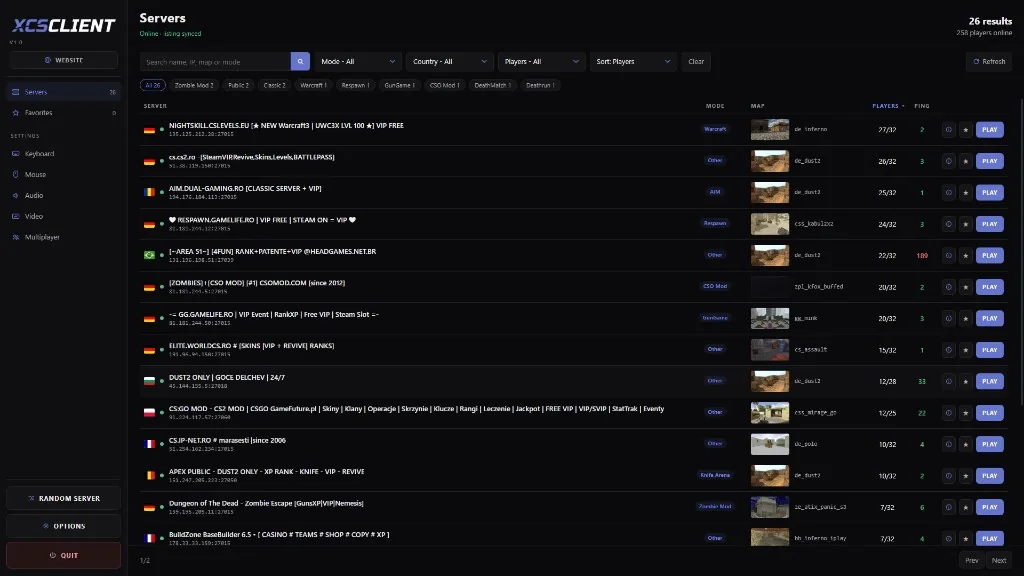
- Put your server on XCSTRIKE so players can find it: